Save words on your computer. Learn them on your phone.
Fluent by Accident is a browser extension that puts two subtitle lines on your shows, and an iPhone app that turns the words you save into flashcards. One account, always in sync.
For your computer
Free. Works in Chrome, Edge, Brave, Arc, Opera and Vivaldi.
For your iPhone

Free to download
How the extension works
Three things happen, in this order. The first two take one click each.
Press play
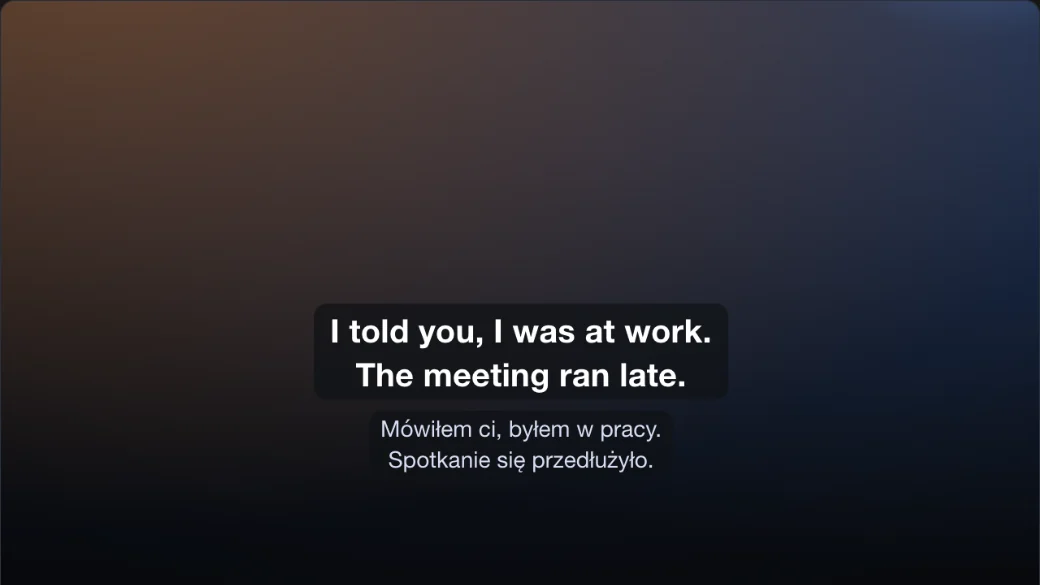
Open a show on Netflix, YouTube, Prime Video, Disney+ or HBO Max. The line you are learning sits on top, your own language under it, both in sync.
Click a word
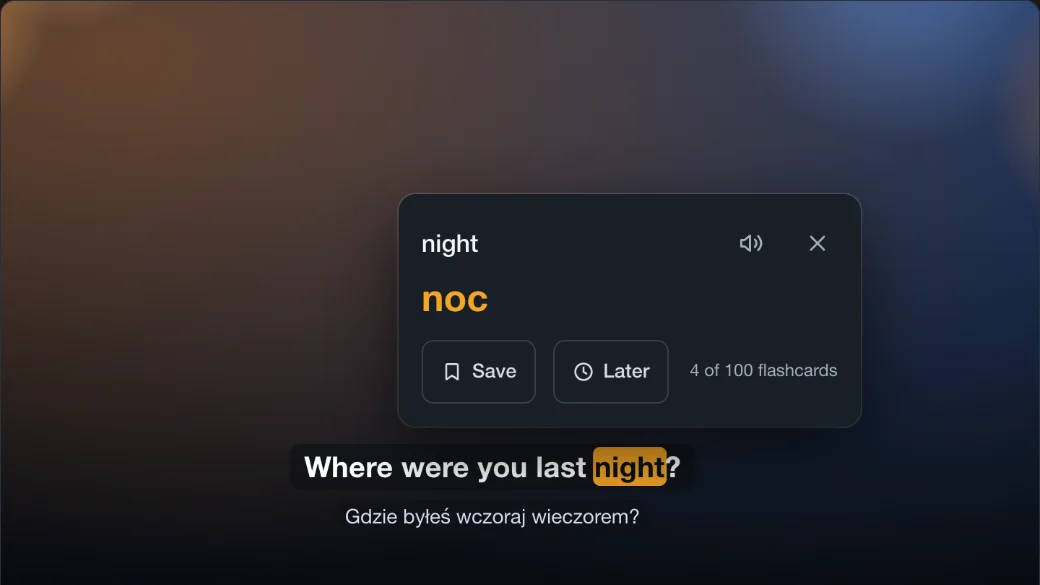
The meaning appears right over the scene. One more click saves it. Drag across a phrase to grab the whole thing.
Review it later
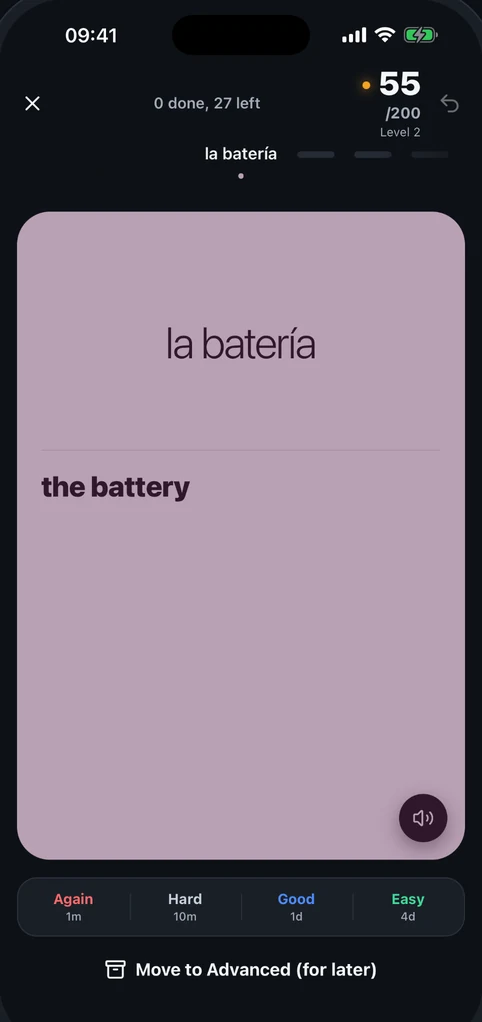
Saved words turn into flashcards. Each one comes back just before you would forget it, so a few minutes a day is enough.
It works outside the player, too
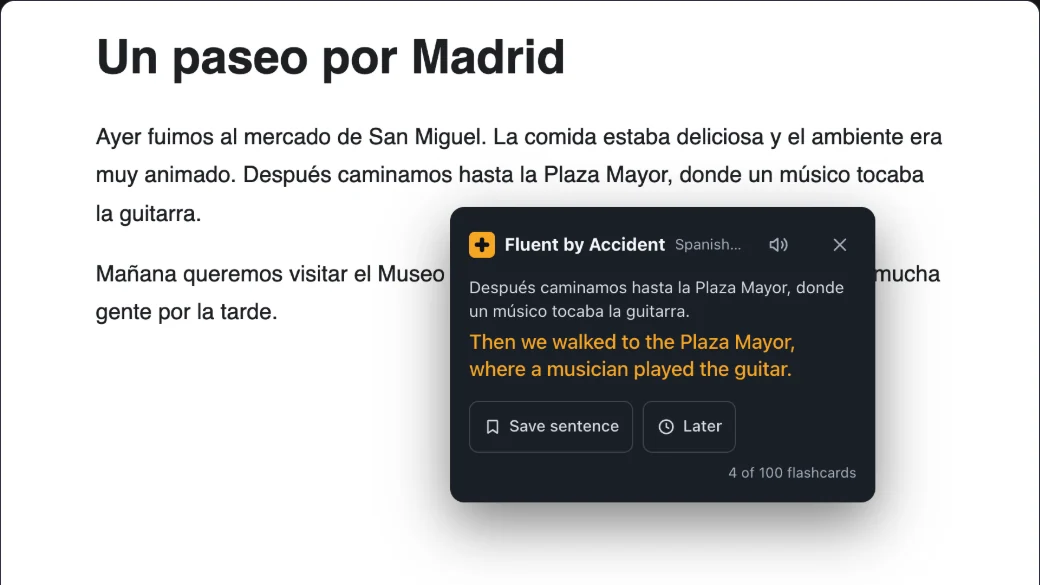
Any website
Select a word or a sentence in a news story, a blog or a recipe. Translate it and save it to the same list.
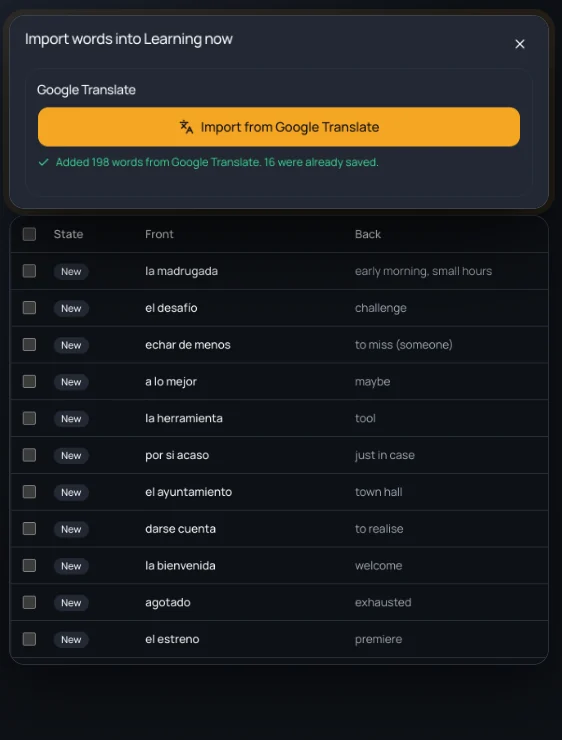
Your Google Translate words
Starred translations in Google Translate? One click brings them all in. Words you already have are skipped.
- Streaming sites
- Netflix, YouTube, Prime Video, Disney+, HBO Max
- Browsers
- Chrome, Edge, Brave, Arc, Opera and Vivaldi, on a computer
- Price
- Free with up to 20 saved words. Pro adds AI translation and unlimited words. See pricing
The iPhone app
Every word you save while watching is already there when you open it. Sign in with the same account.
Review
Cards come back right before you forget them.
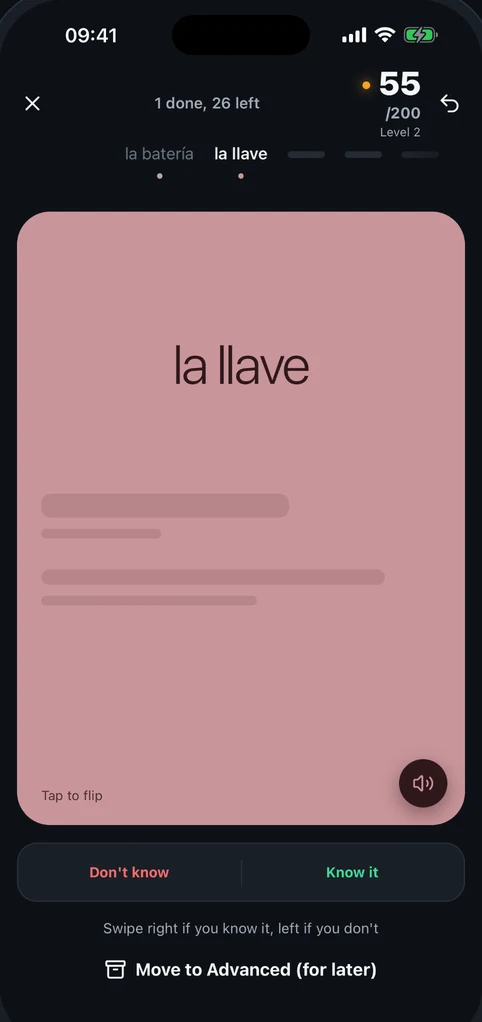
Swipe
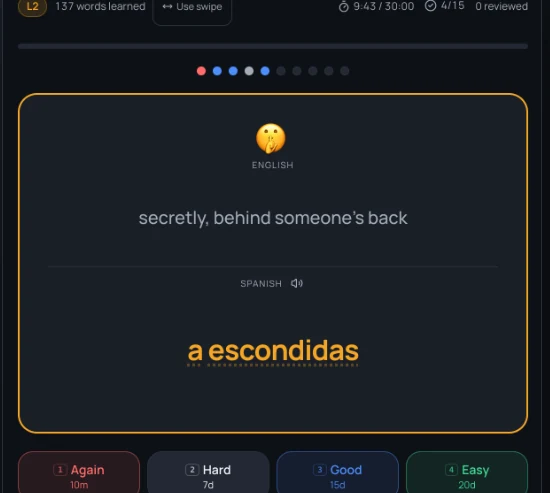
Know it? Swipe right. A round fits in a spare minute.
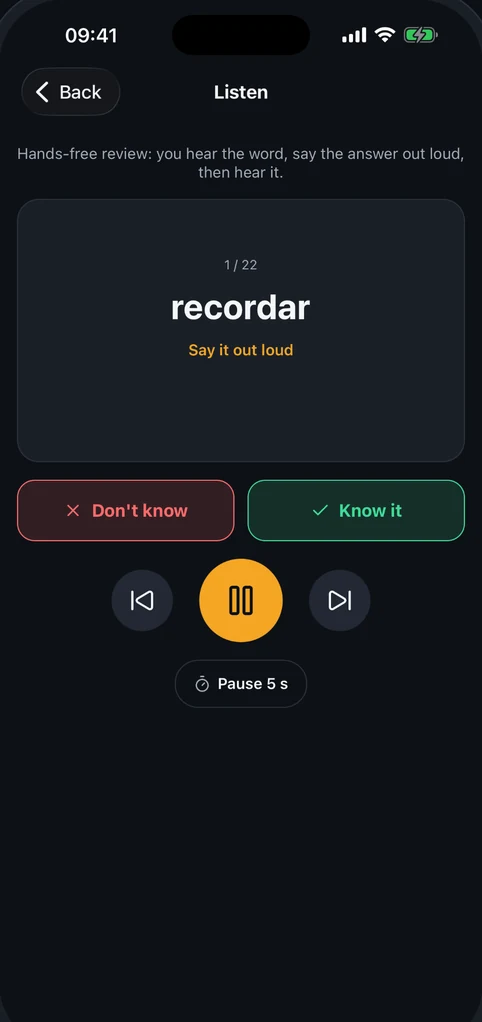
Listen
Hear the word, say the answer, hands-free.
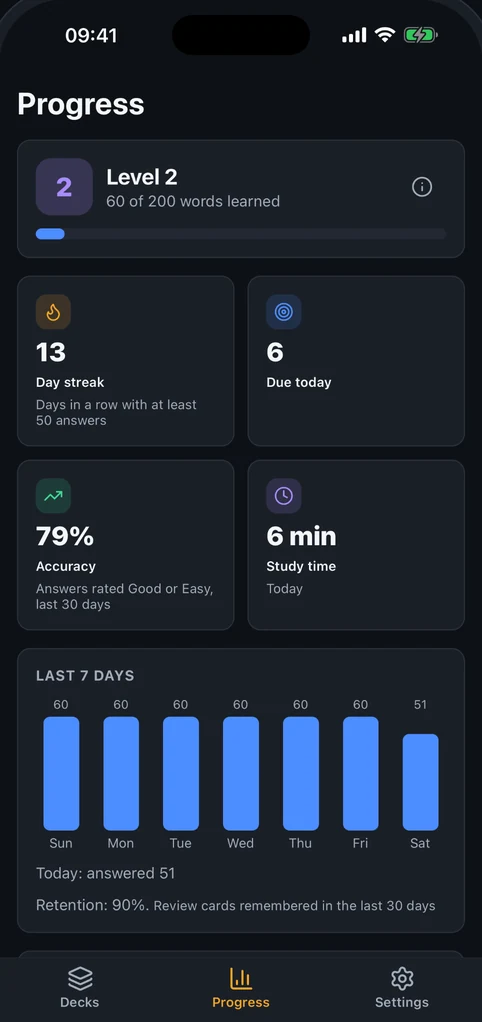
Progress
Streaks, accuracy and levels from the words you learned.
- Works offline. Study on a plane. Your answers sync when you are back online.
- Hands-free. Listen mode reads each card aloud, for the walk to work or the washing up.
Start with tonight's episode
Install from a ZIP file instead
Version 0.32.5
Unzip the file
On a Mac, double-click it. On Windows, right-click it and choose Extract All. Move the folder somewhere you keep, like Documents. The extension runs from it, so don't delete it.
Open the extensions page
Paste
chrome://extensionsinto the address bar and press Enter. It works in Edge, Brave, Opera and Vivaldi too.Turn on Developer mode
The switch is in the top right corner of that page (in Edge, in the left sidebar).
Click Load unpacked
Pick the folder you unzipped, the one with manifest.json inside.
Pin it and sign in
Click the puzzle piece in the toolbar and pin Fluent by Accident. The sign-up page opens on its own, then press play on Netflix, YouTube, Prime Video, Disney+ or HBO Max.
Updating: unzip the new version, copy everything inside it into your old folder and choose Replace, then click the reload arrow on the Fluent by Accident card on the extensions page. Your saved words stay.